What the Magneticslots App Brings to Mobile
The Magneticslots app is a proper native application built for iOS and Android, not just a shrunken-down version of the website. That means faster loading, smoother swipes, quick shortcuts to favourite games and handy push notifications when new offers land. The app comes directly from the Magneticslots website rather than the App Store or Google Play, which is common for licensed casino operators outside a few app store markets. One quick install and it is ready for as long as the account stays active.
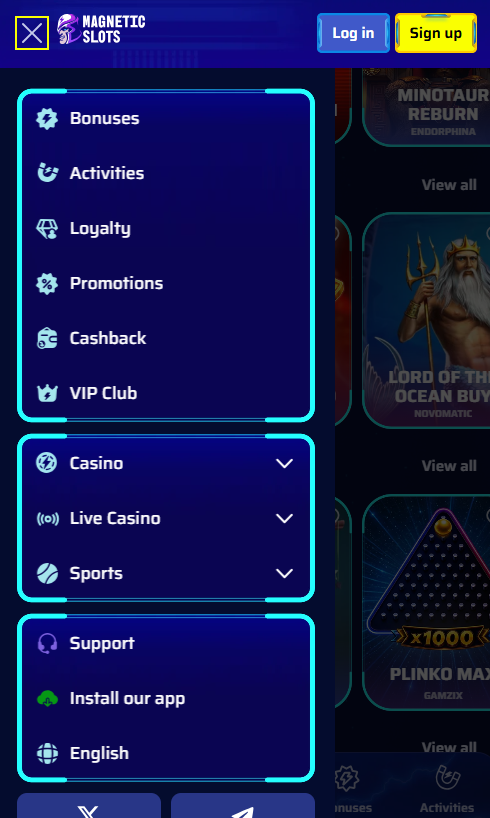
How to Get the App on iPhone and Android
Getting the Magneticslots app is a bit different on iPhone and Android because of how each platform handles security. Both routes are quick and easy, and the sections below cover exactly what to expect.
Getting the App on iPhone
iPhone users open the Magneticslots site in Safari, tap Download for iOS and let the device ask for permission to install a configuration profile. That profile needs a quick trust step inside Settings, under General and then VPN & Device Management. Once trusted, the Magneticslots icon shows up on the home screen and works like any other app. It runs on iOS 13.0 or newer and takes two or three minutes end to end.
Getting the App on Android
Android users switch on the Install from Unknown Sources option in device Settings first, since the app is not on Google Play. Then it is a matter of downloading the APK from the Magneticslots site and tapping to install. The app asks for a couple of standard permissions and is ready to launch. It works on Android 8.0 and newer, and most modern phones handle the whole process in under two minutes.
Magneticslots App Requirements by Device
| Device | Needs | App Size | Free Space |
|---|---|---|---|
| iPhone or iPad | iOS 13.0 or newer | About 85 MB | 150 MB recommended |
| Android phone or tablet | Android 8.0 or newer | About 65 MB | 120 MB recommended |
App or Mobile Browser: Which One to Use
Both the Magneticslots app and the mobile browser open the same account with the same games, so it really comes down to personal preference. The app is a bit quicker after install and does push notifications, while the browser skips the install step entirely for anyone who just wants to jump in. The little comparison below puts the two side by side.
Magneticslots App and Mobile Browser Compared
| What Matters | App | Browser |
|---|---|---|
| Speed | Quicker once installed | Depends on connection |
| Notifications | Push alerts work | No push alerts |
| Install needed | One-time setup | Nothing to install |
| Storage used | 65 to 85 MB | Just browser cache |
| Getting updates | Prompted in the app | Automatic online |
Games Available on the Move
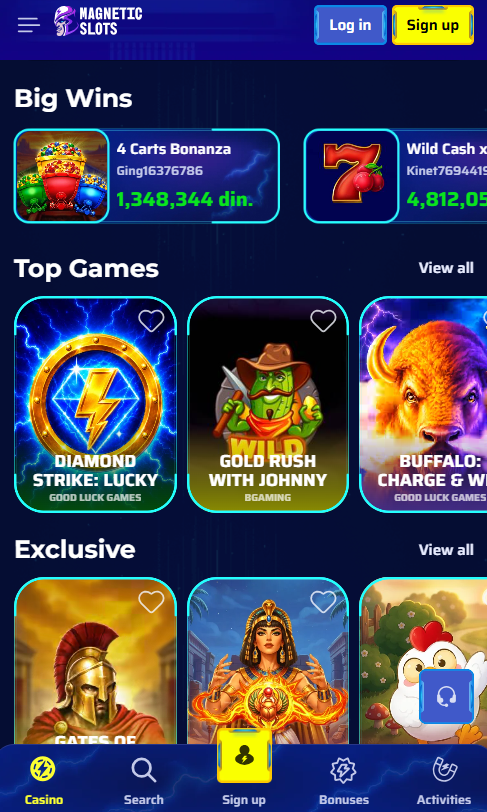
The Magneticslots app carries every single one of the 5,000-plus games from the desktop lobby with nothing left behind. Slots run in portrait for easy one-handed play, live dealer tables switch to landscape for the full studio view and virtual tables adapt to whichever orientation feels right. The sportsbook sits in the same app under its own tab, with pre-match, in-play and virtual events all ready to go. Demo mode works on every game, so trying something new never costs a penny before the real spins begin.
Handy Things in the Magneticslots App
- Full library of 5,000-plus slots, live tables and instant wins
- Live dealer streams that feel just like being at the real table
- Sportsbook and casino sharing one login and one balance
- Face ID, Touch ID or fingerprint login for quick sign-in
- Push alerts for new bonuses, cashback drops and free spins
Bonuses Members Can Grab on Mobile
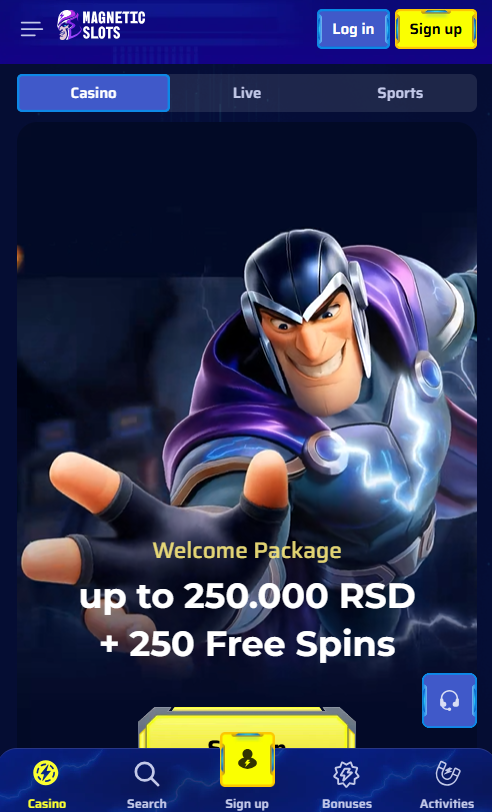
Every bonus available on the Magneticslots desktop version works in the mobile app too, including the welcome package worth up to £1,500 plus 250 free spins, weekly cashback, the Sunday reload, rakeback and the 50HIGH high-roller code. Claiming a bonus works the same as on desktop, with the opt-in tick box appearing in the cashier at deposit. Push notifications are a nice touch for keeping tabs on active offers, and the full list of promotions sits on the bonus page.
Paying and Cashing Out from the App
The Magneticslots app handles every payment method available on desktop, plus two extra mobile-friendly options. Apple Pay lets iPhone users deposit with a single tap, and Google Pay does the same for Android. Cryptocurrency deposits work smoothly with a built-in QR scanner for wallet transfers, and standard cards, e-wallets and bank options operate just like on the website. New members who want to sign up on their phone can head straight to registration from inside the app.